Variafy vs Adspirer: platforms, approvals and beta
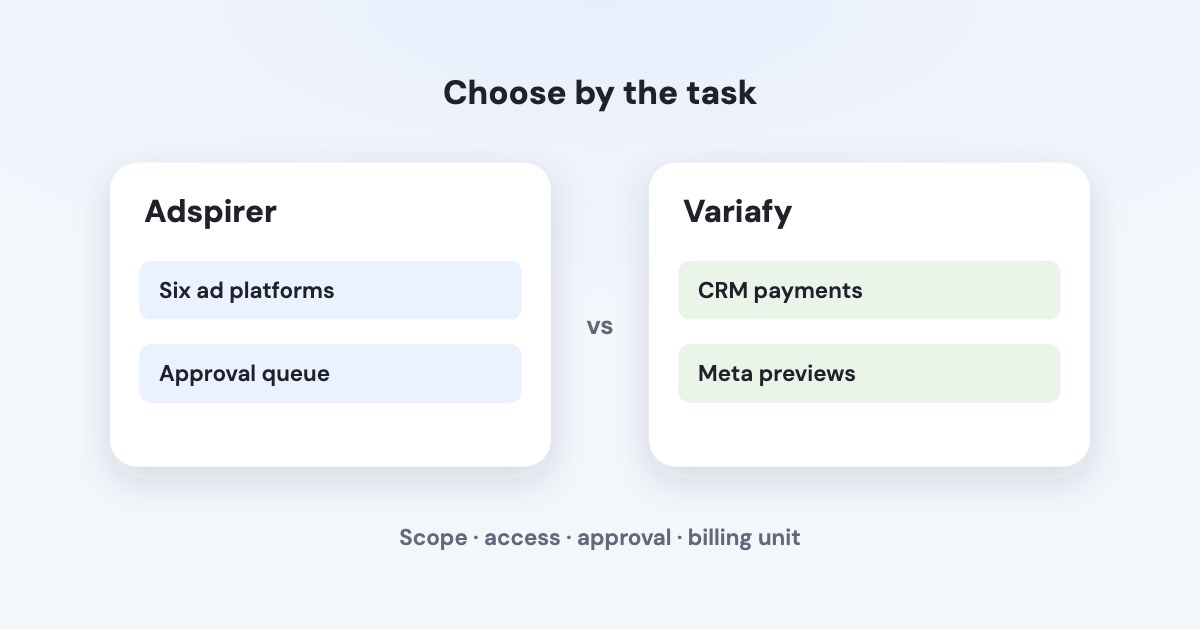
Adspirer is worth considering when you need campaign creation across its six documented ad platforms and scheduled agents with an approval queue. Variafy focuses this comparison on CRM payment matching and account alerts, with previewed Meta changes and read-only access to the other supported ad platforms.
On this page6 sections
Compare the workflow
Variafy is our product. Vendor statements in this table were checked on 30 October 2026; no paid competitor account was tested.
| Question | Variafy | Adspirer |
|---|---|---|
| Platforms | Meta Ads; read-only Google Ads, Microsoft Advertising, LinkedIn Ads, GA4 and Search Console. (Source, checked ) | Google, Meta, Amazon, ChatGPT, LinkedIn and TikTok Ads; GA4 and Klaviyo integrations. (Source, checked ) |
| Reading and writing | Read and analyze connected platforms. Ad changes are limited to Meta. (Source, checked ) | Platform integrations include campaign creation, analysis and optimization. (Source, checked ) |
| Confirmation before changes | Preview and confirmation for every Meta ad change. The owner can require signed-in approval for spend increases. (Source, checked ) | Scheduled Ad Ops agents queue changes for approval; paid Plus, Pro and Max plans include these agents. (Source, checked ) |
| CRM revenue | Matches Pipedrive, Google Sheet or uploaded-file payments with ad tags to ads; unmatched payments stay separate. (Source, checked ) | Klaviyo integration includes revenue alongside paid-media data. (Source, checked ) |
| Monitoring | Meta account and delivery checks every 15 minutes; alert emails at most once an hour. Scheduled email briefs and daily Meta advice. (Source, checked ) | Ad Ops agents run to a chosen cadence and email when proposals need attention. (Source, checked ) |
| Access | Invitation through the waiting list; Meta users also accept a manual tester invitation during app review. (Source, checked ) | Public documentation offers account creation and client-specific connection guides. (Source, checked ) |
| Price and limits | $0 during beta. 3 connections per platform; 300 counted changes per UTC calendar month per workspace. Reads, pauses, monitors and briefs do not use that allowance. (Source, checked ) | Free: 15 tasks/month. The annual view displays Plus at $40/month billed annually, with 150 tasks/month. (Source, checked ) |
| Who is it for? (our assessment) | A lead business that needs to reconcile Pipedrive, Sheet or file payments with ads, can accept beta invitations and does not need Google ad changes. | A team needing cross-platform launches, scheduled approval queues or client-facing dashboards. |
Klaviyo revenue does not establish a Pipedrive payment-to-ad reconciliation workflow; that specific match was not verified in the checked introduction. (Source, checked )
When the competitor is the better choice
Our assessment: Adspirer fits a broader launch workflow when the required channels are in its documented set. Google campaign changes alone rule out Variafy for that task.
Its documentation also describes shareable performance dashboards with your own client logo. (Source, checked ) The Max pricing tier lists 5 active accounts per platform. (Source, checked )
Check task consumption for the cadence you want; a scheduled run is not an unlimited reporting allowance.
Match the approval workflow to the reporting cadence
Ad Ops agents run on Plus, Pro and Max, consume tool-call quota and put changes into an Approvals inbox. (Source, checked )
Our assessment: this suits a team reviewing scheduled proposals across channels. For Pipedrive or file payments matched to ads, compare the specific data path with our beta; it can only apply Meta ad changes.
Trial task: review a scheduled Google Search proposal
Our suggested test is one Google Search campaign and a scheduled review of cost per acquisition. Define a protected campaign and a maximum proposed budget change, then inspect the proposed operating plan before enabling a run.
Review a waiting proposal in the approval queue: the target campaign, fresh evidence, proposed amount and quota used by the run. Leave it unapproved while checking the workflow. This compares scheduled Google work with a Meta-only change path, not just two chat answers.
Use the alternatives list if you need a reporting workspace rather than a scheduled agent.
How we checked
For this comparison, Ad Ops documentation establishes the schedule, approvals and quota behavior; pricing establishes tasks and the annual Plus amount. Both, plus the integration overview, were checked on 30 October 2026. The Google Search task is an evaluation proposal; no scheduled run or paid account was used. Our capabilities were checked against llms.txt and the landing page.
Questions
Can Adspirer Free run scheduled Ad Ops agents?
The checked agent documentation lists Plus, Pro and Max for Ad Ops agents. Free has a 15-task monthly allowance on the pricing page; those are different conditions.
Where do scheduled Adspirer changes wait for approval?
The agent documentation describes an in-app Approvals inbox and optional email notifications. It says proposed writes execute only after approval; this comparison did not test a live account.
Does an Adspirer report consume the same unit as a counted change?
Its pricing page calls a performance pull one task, while scheduled agent runs also use tool-call quota. Our beta counts successfully applied counted changes; reads do not use that allowance. Estimate the work in each product’s own unit.