Facebook ads alerts: what to watch and how to get notified
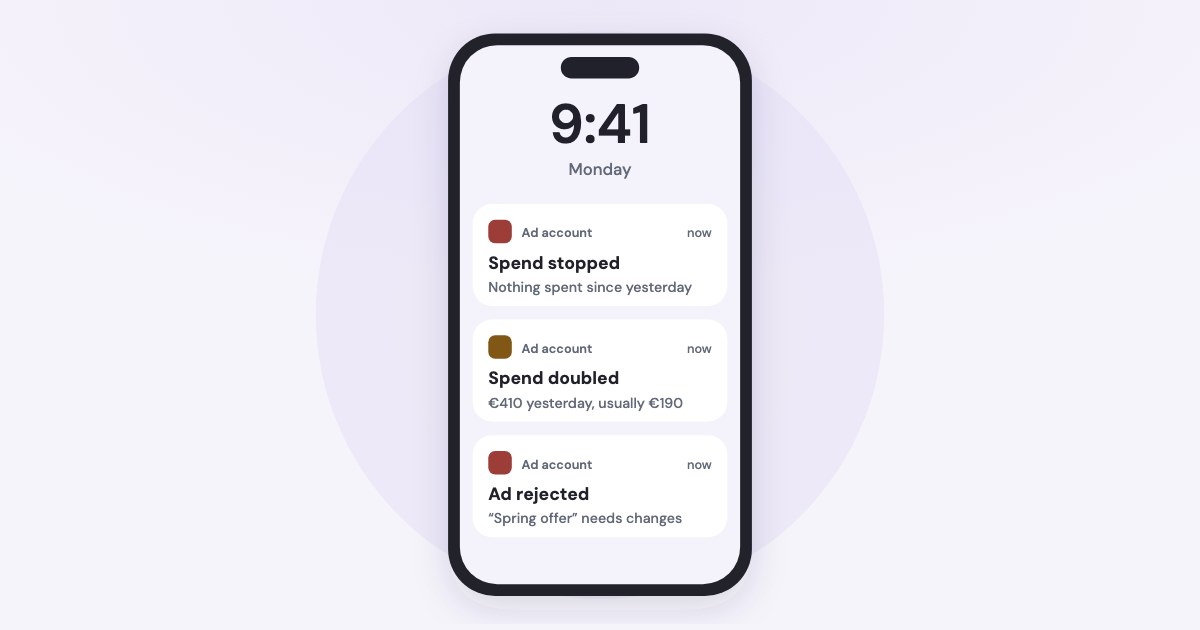
Meta already tells you about some problems — a rejected ad, a reached spending limit — if notifications are on in Ads Manager. For the rest — spend stopping or doubling, costs jumping, tracking breaking — set automated rules that only notify, or use a tool that watches for you. Here is what to watch and which alert covers each.
On this page9 sections
What is worth an alert
Most surprises in an ad account fall into a handful of events. Some Meta reports to you on its own; for the rest, you need a rule or a tool:
| Why it matters | Does Meta tell you? | |
|---|---|---|
| Ad rejected | The ad set may stop delivering | Yes, by email |
| Spending limit reached | Spending stops, yet ads look active | Yes, a notification |
| Payment failed | Ads pause and the account is disabled | Shown in Billing & payments |
| Conversion events drop | Campaigns optimise on missing data | Yes, for big drops |
| Spend stopped | A day of lost leads before anyone looks | No — a rule or a tool |
| Spend doubled | A week’s budget gone overnight | No — a rule or a tool |
| Cost per result jumped | Money for fewer results | No — a rule or a tool |
A day above budget isn’t one of them: Meta’s daily budget page says spending can reach 175% of the daily budget on a given day, as long as the week averages out. A rule on “spent more than the daily budget” will fire for nothing.
Turn on Meta’s own notifications
Start with what Meta sends for free. In Ads Manager, open All tools → Ad account settings → Notification settings (source). The two categories that matter:
Billing and payments: Get notified about payments, low funds and necessary verifications.
Alerts and updates: Get notified about ad account and ad delivery issues.
Each can go to email, web notifications, Messenger, WhatsApp, SMS or phone (source). If the ad account sits in a business portfolio, also switch on email in Meta Business Suite under Settings → Notifications (source).
With that on, a rejected ad arrives by email (source), and you get a notification when a campaign reaches its spending limit (source).
The one notification to never miss
When the ad account reaches its spending limit, you get a notification
about the pause, but ads will still be listed as active in Meta Ads Manager
(source).
If that email goes unread, the account looks fine while spending nothing.
Meta also warns you when pixel events drop — but only big drops:
We send these notifications only when event counts used in campaigns or audiences drop substantially compared to one week ago and the seven-day average.
Automated rules that only notify
Automated rules check your campaigns, ad sets or ads against conditions and act — or just tell you. In Ads Manager, create one from the Automated rules page so it covers everything (source):
- Choose the action “Send notification only”. It
Sends a notification to yourself or other people on your ad account
(source). - Set the conditions. Cost per result, results, frequency, CPM and others. A rule fires only when
your campaign, ad set or ad must meet all conditions to trigger the rule.
(source) - Pick the time range — how many days of data the rule looks at.
- Pick the schedule — how often the rule is checked.
- Subscribe the people who should hear about it; they need admin permissions on the ad account.
Useful starting points: an ad set that spent money in the last 3 days with zero results; cost per result over the last 3 days well above your target; frequency climbing past what your audience tolerates. To be warned before a lifetime budget runs out, Meta suggests a rule on Lifetime ratio spent (source).
Limits to know:
- Up to 250 rules per ad account, counting inactive ones (source).
- No cost-based alerts with campaign budget optimisation:
You can’t create rules with cost-related conditions that turn ads or ad sets on or off or send a notification if you’re using campaign budget optimization.
(source) - Rules run on a schedule: the most frequent one Meta documents is
Run the rule at the start of every half-hour.
(source)
How fast a rule actually reaches you
Meta says rule notifications come by email and as a notification in Ads Manager. Its developer
documentation adds what the email is: A daily email is generated to summarize actions performed by your rule within the last 24 hours
,
sent at 12:30 AM in the ad account’s time zone (source).
In practice
The bell in Ads Manager is close to real time; the email may be tomorrow’s digest. If you don’t live in Ads Manager, a rule that fires at 10 AM can reach your inbox after midnight.
Faster rules exist — Meta’s trigger-based rules react within minutes — but they are only available in API at this point, they are not accessible through Ads Manager.
(source)
What rules can’t see
Rules compare one object to a fixed number. That leaves gaps:
- “Unusual”. “Spent less than 50 today” fires every quiet weekend; “spent more than 500” misses a 300 day in an account that normally spends 100. A useful alert compares with the account’s own usual day.
- The whole account. A rule checks campaigns, ad sets or ads one by one. “Nothing in the account is spending” isn’t one object.
- Tracking. When conversion events stop arriving, cost rules see zero results and fire on every ad set at once — or, with campaign budget optimisation, don’t fire at all.
- Context. A notification says a rule matched; it doesn’t say why or what to do.
Building your own alerts
If you build alerts on the Marketing API, two facts decide the design. Reporting data refreshes in batches:
Insights refresh every 15 minutes and do not change after 28 days of being reported.
(source) Checking more often than that only spends your rate limit.
And since 2026 Meta pushes changes instead of you polling for them:
Ads webhooks push updates to your app the moment something changes in an ad account.
The fields include effective_status (a rejection, a delivery block, a return to delivery),
with_issues_ad_objects, creative_fatigue and subscriptions — a metric such as spend crossing a
threshold you set.
How Variafy’s watchdog works
Variafy watches every connected ad account every 15 minutes and emails the people who can approve changes when:
- spend stopped — nothing spent yesterday and nothing running today, though campaigns are on, while the same weekday a week earlier did spend, so quiet weekends don’t wake you;
- spend doubled — yesterday cost at least twice the usual day, judged only once there are enough days and money to compare;
- a campaign is on but idle — active, with a daily budget, nothing spent yesterday while the rest of the account did;
- a campaign spends without results while the rest of the account gets them at a price that says it should have;
- tracking broke — yesterday’s site events fell to a tenth of what the last two weeks predicted;
- the account can’t spend — spending limit reached, payment failed, account disabled — and when ads are rejected or an ad set is blocked.
Why a tenth
We tested the tracking threshold on half a year of daily data from two ad accounts of one business — 364 account-days. The lowest normal day still had a third of the expected events, and no normal day had zero. A tenth catches broken tracking without firing on holidays.
For your own thresholds, ask in the chat: “Tell me if any campaign’s cost per lead goes above 50.” Variafy saves it as a monitor for campaigns, ad sets or ads, with conditions combined by AND or OR, against a number, a multiple of the average or a percentage change. Monitors are checked once a day on complete days, so a slow morning never looks like a drop. Daily advice can also go to Slack or Telegram.
Add https://www.variafy.com/mcp to your assistant. Variafy is in private beta:
join the waitlist. If an alert says spend stopped, the
2-minute check finds why.
How we checked
Checked on 15 October 2026 against Meta’s Business Help Center (automated rules, their actions, conditions, limits and schedules, notification settings in Ads Manager and Business Suite, spending limits, daily budgets, ad rejection, pixel event drops) and Meta’s developer documentation (Ad Rules Engine, Insights best practices, Ads webhooks).
That a rule’s email can arrive as a digest after midnight is our reading of two Meta pages, not Meta’s own sentence. The watchdog’s rules and threshold come from our code and our own test. Variafy is our product.
Questions
How do I get alerts for my Facebook ads?
Turn on Billing and payments and Alerts and updates under Ad account settings → Notification settings in Ads Manager, then add automated rules with the action “Send notification only” for spend, results and cost. For alerts against the account’s usual day, use a monitoring tool.
Can Facebook automated rules send notifications without changing ads?
Yes. Choose the action “Send notification only”. The rule then notifies you, or other people on the ad account, when all its conditions match, without pausing or changing anything.
How often do Facebook automated rules run?
On the schedule you set. The most frequent schedule Meta documents is every half-hour. The rule’s email can be a daily digest sent at 12:30 AM in the ad account’s time zone; the notification in Ads Manager comes sooner.
Does Facebook notify you when an ad account hits its spending limit?
Yes, you get a notification about the pause, but the ads still show as active in Ads Manager. Keep that notification on, because nothing else in the interface shows that spending has stopped.
How many automated rules can I have on a Facebook ad account?
Up to 250 per ad account, including inactive rules.