Meta Pixel standard events for a lead business
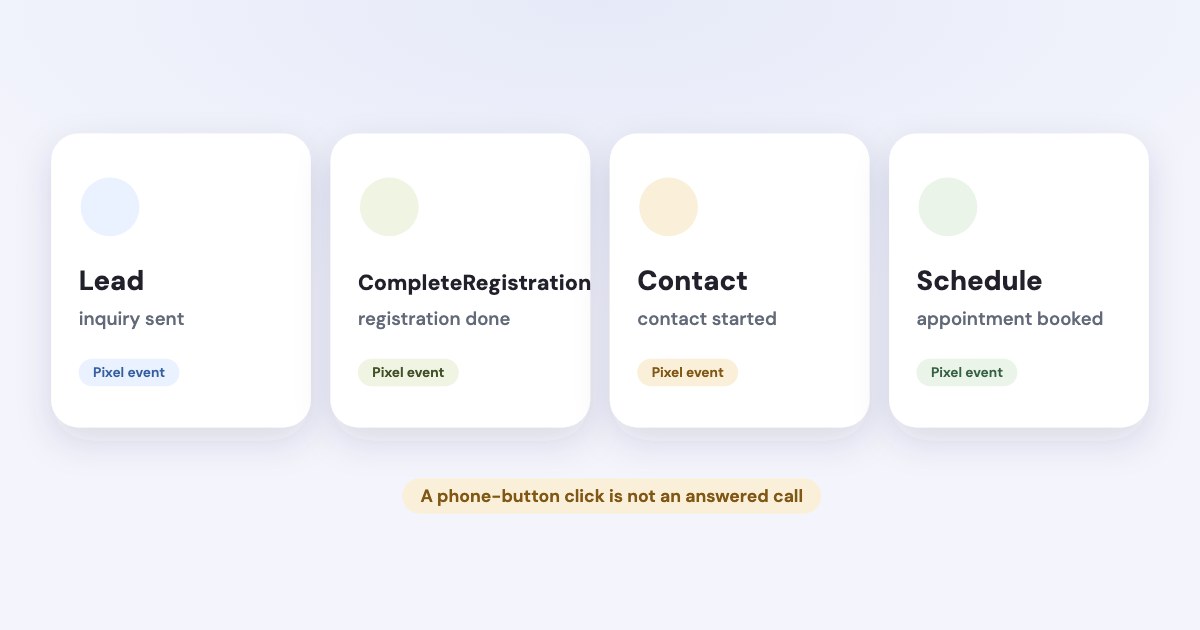
Choose your Meta Pixel event by the action you can confirm: a completed inquiry, registration, contact attempt, or appointment. Meta documents Lead, CompleteRegistration, Contact, and Schedule as separate standard events; use the exact name and define the trigger before you ask anyone to implement it. [1] [2]
On this page10 sections
Which standard event fits your form?
As of November 2026, Meta’s reference distinguishes the following events. The descriptions below summarize the current reference read on November 4, 2026, rather than assigning a new official meaning to each name. [1]
| Event | What Meta documents |
|---|---|
| Lead | Completion of a signup |
| CompleteRegistration | Completion of a registration form |
| Contact | Initiating contact by phone, SMS, email, chat, or another channel |
| Schedule | Booking an appointment to visit one of your locations |
| SubmitApplication | Applying for a product, service, or program |
For your own measurement plan, use Lead for an accepted sales inquiry and CompleteRegistration for a completed registration, such as a webinar signup. That is an editorial recommendation for making your reports understandable, not a claim that Meta requires this exact division.
Meta’s descriptions of Lead and CompleteRegistration overlap, so do not select between them by looking for a promised performance advantage. Start with the action your business wants, then agree on one label with the person responsible for your website and reporting.
When a registration form is completed.
If a form is an application that your team evaluates, consider SubmitApplication rather than calling every form a Lead. Preserve the distinction in your CRM so an application, an accepted applicant, and a paying customer do not become interchangeable labels. [1]
What should count as a completed lead?
Write the success condition in ordinary language before choosing a tag trigger. A useful definition is: your site accepted the inquiry and created the record your team will follow up.
Then write the failure conditions alongside it: a visitor opened the form, pressed the button with required fields missing, or received an error. Treat those as separate diagnostic actions if you need them, rather than including them in your completed-inquiry count.
Meta allows standard events to run on page loads or actions such as button clicks. Choosing successful submission for your main inquiry is your measurement decision; it is not a platform rule that every button click is invalid. [2]
For a quote request, ask your developer what actually confirms acceptance. A thank-you message might be enough in one implementation, while another needs the successful response from the form service.
Keep a short acceptance note with the implementation: “This event means the inquiry reached our form system.” If your sales team instead interprets it as “a qualified prospect answered,” the reporting problem remains even when the code works.
If you already know the event should arrive but it does not, use the Meta Pixel troubleshooting guide. This article is about the meaning of the event, so you do not need to reinstall the Pixel to make the naming decision.
What should you send for a phone call?
Meta defines Contact as initiating contact, including by telephone. That supports using Contact for a clearly defined contact action, but the reference does not say that a click on a phone link proves a connected or answered call. [1]
Choose the evidence you want your report to describe. You might record a phone-link click as a contact attempt, while keeping an answered conversation or qualified call as a separate outcome in your call system or CRM.
For example, your internal measurement note could say, “Contact means the visitor tapped our website’s phone link.” Keep that wording visible to whoever reads the report, and do not rename the number “answered calls” later.
If your phone provider can confirm connected calls, decide which system owns that outcome before sending additional events. You need a documented call definition, the relevant integration, and a way to avoid treating the same conversation as several different leads.
Do not choose an arbitrary call-duration threshold and present it as Meta’s standard. A duration that makes sense for your reception team is a business rule you should explain and evaluate, not an official Contact requirement.
Different evidence
A tap, a ringing phone, a connected call, and a qualified conversation answer different questions. Choose which one you are counting before comparing costs.
What should you send for a booking?
Meta’s Schedule description refers specifically to booking an appointment to visit one of your locations. The example is selecting a date and time for a tennis lesson; the reference does not explicitly establish a universal rule for every virtual meeting or booking platform. [1]
For an appointment at your location, define the trigger around confirmation of the booking. Opening your calendar or choosing an unavailable time should not satisfy your own definition of a confirmed appointment.
For a remote consultation, document how you interpret the action and check your booking tool’s official integration documentation. If the tool sends its own custom event, retain that event’s identity until you have deliberately mapped it to your measurement plan.
Consider the stages separately: someone requests a consultation, receives a confirmed time, attends, and pays. You can care about all of them without claiming that one website booking establishes attendance or revenue.
Use your calendar record to explain cancellations and rescheduling in your business report. Do not assume that a previously sent website event will automatically become a cancellation record; this review did not establish such behavior.
What should you avoid inventing?
Meta distinguishes standard events, custom events, and custom conversions. Its implementation guide uses `fbq('track’, ...)` for standard events and `fbq('trackCustom’, ...)` for your own custom event names. [2]
A label such as `QuoteAcceptedInternally` may be useful in your own system, but it does not become a standard event because it sounds descriptive. Keep a written mapping between the business stage and whatever you actually send.
Do not send Purchase merely because a lead is valuable to you. Meta defines Purchase around a purchase or completed checkout, while the reference makes value and currency optional for Lead and CompleteRegistration. [1]
If you assign an estimated lead value, label it as an estimate in your reporting. Do not present it as a payment, and do not fill the field with an attractive number simply to make the revenue column look complete.
Meta’s Business Tools Terms restrict sensitive information, including information reflected in event names and audience criteria. Review what your URLs and parameters disclose, not just the visible name in the event list. [3]
How do you hand the event plan to your developer?
Give each action an owner, an exact event name, a success condition, and a list of cases that must not count. Add the source system that confirms the action, such as your inquiry service, booking calendar, or call provider.
Keep the main inquiry and later sales stages separate in that handoff. Your team should be able to explain what changed between “submitted,” “qualified,” “booked,” and “paid” without looking at a tag manager.
When the same action goes through the browser and server, use the separate Pixel and Conversions API deduplication guide. That implementation question should not change the business meaning you agreed for the event.
Meta documents consent controls for pausing and resuming Pixel transmission, and its terms require necessary consent where applicable. Your event plan must fit the consent implementation rather than relying on an event name to solve that requirement. [3] [4]
What to do next
Choose the action you actually want to pay to acquire and write a one-sentence definition of it. Ask your developer to identify the confirmation signal and the exact event name already emitted by your form or booking tool.
Then compare that definition with your CRM stages before making changes. If your real question concerns which inquiries turn into money, continue with matching CRM sales to Facebook ads.
Where Variafy fits
Variafy does not choose or install your website triggers; agree on those with your developer first. It can bring CRM deals and payments into reports alongside Meta ad data, so you can assess what your recorded leads become. Reading data is free, and the beta is free by invitation with sign-up closed. Join the waitlist.
How we checked
Checked on 4 November 2026 against the pages below, read in English. We checked the documentation only: we did not run these steps in a live ad account.
- developers.facebook.com/documentation/meta-pixel/reference — Standard event definitions and supported properties; read in browser November 4, 2026.
- developers.facebook.com/documentation/meta-pixel/implementation/conversion-tracking — Standard events, custom events, custom conversions, and trigger methods; read in browser November 4, 2026.
- www.facebook.com/legal/businesstech — Sensitive-data restrictions and consent obligations in Meta’s terms; read in browser November 4, 2026.
- developers.facebook.com/documentation/meta-pixel/implementation/gdpr — Pixel consent controls; read in browser November 4, 2026.
What we could not confirm
- That Lead inherently outperforms CompleteRegistration
- That a phone-link click is an answered call
- That Schedule expressly covers every virtual appointment
- That all booking platforms emit the same event
- A required duration for Contact
- A universal event-availability guarantee for every account. These were documentation checks, not an implementation test. Initial text-browser requests to Meta failed
- The cited pages were subsequently read successfully in a browser
Variafy is our product.
Questions
Should I use Lead or CompleteRegistration for an inquiry form?
Pick one and write down what it means. Meta’s descriptions of the two overlap, so the rule that matters is your own: which completed action fires which event, and the same rule everywhere.
Does the Contact event mean someone phoned me?
No. Contact covers initiating contact, so a phone-button click does not establish an answered call. Count answered calls from your phone system or CRM.
Can I make up my own event name?
Yes, as a custom event, but it is not a documented standard event. Use custom events on purpose and keep sensitive information out of event names and data.