Facebook and Instagram ad mockup generator: Feed, Stories, Reels and carousel (free, no upload)
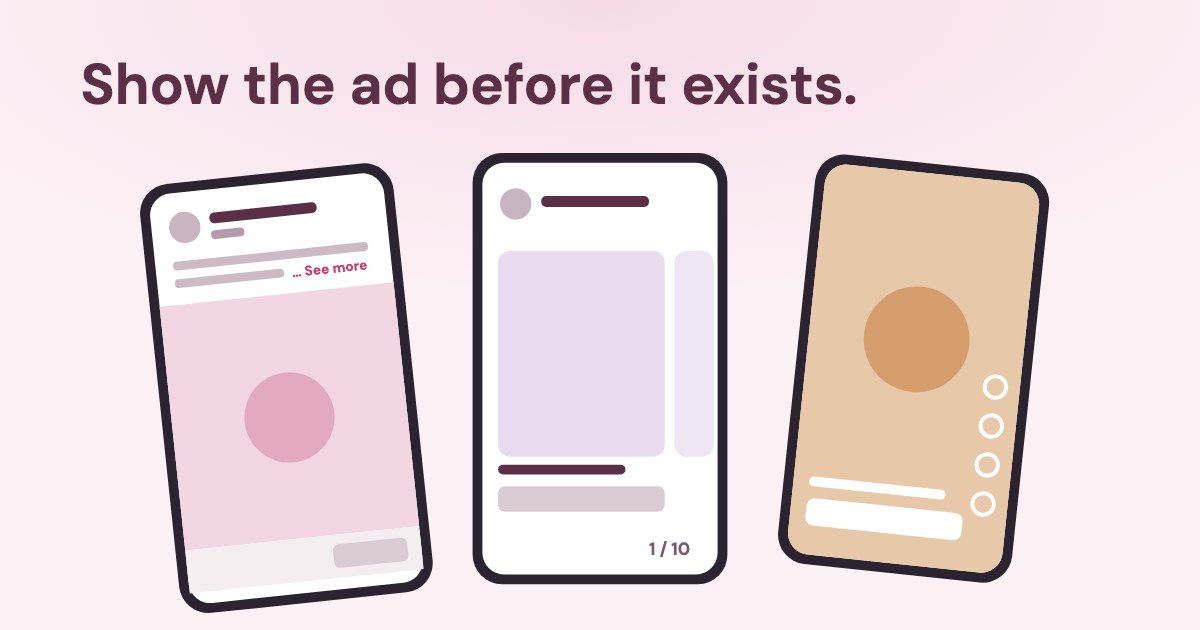
A Facebook ad mockup is a picture of how an ad will roughly look, made before the ad exists in Ads Manager. The free generator below draws Facebook Feed, Instagram Feed, Stories, Reels and carousel ads from your image and text and saves a PNG — nothing is uploaded and no ad account is needed. It follows Meta’s 2026 changes: the “Ad” label replacing “Sponsored”, and no website address under single-image Facebook ads.
Open the free ad mockup generator for Facebook and Instagram ↓
On this page12 sections
Free ad mockup generator for Facebook and Instagram
Ad mockup generator for Facebook and Instagram
For client approval
The link carries only the texts, after “#”, which browsers never send to a server; images and video stay on your device, so attach the sheet or PNG.
An illustration drawn with neutral shapes, not Meta’s interface. Facebook and Instagram are trademarks of Meta Platforms, Inc.; Variafy is not affiliated with or endorsed by Meta. Real ads differ by device, app version and settings — check the final ad in the Ads Manager preview.
The mockup is drawn in your browser with neutral shapes and icons, so it is safe to share and does not pretend to be Meta’s app. For exact image sizes, crops and safe zones per placement, use our Facebook and Instagram ad sizes guide.
How to make a mockup in four steps: choose the placement; drop your image (several for a carousel) or a video; write the primary text, headline and button; save the PNG, or the approval sheet with every placement for a client.
Facebook ad preview vs ad mockup: what is the difference?
A Facebook ad preview is Meta’s own rendering of an ad you have already set up in Ads Manager: it needs an ad account and a campaign with an ad set. An ad mockup is an approximate picture you make before that, to agree on the image and words with a client or team. Use a mockup to decide; use Meta’s preview for the final check before the ad goes live.
What does a Facebook and Instagram ad consist of?
| Where it shows | Recommended length | |
|---|---|---|
| Primary text | Above the image in Facebook; under it, after the account name, in Instagram | Facebook Feed 50–150 characters (Meta); Instagram Feed 125 (Meta); Reels 44 (Meta) |
| Headline | Below the image, in bold | Facebook Feed 27; Instagram 40 |
| Description | Under the headline in Facebook; not every placement shows it | Short; carousel cards 18 |
| Button | Footer in Facebook; usually a bar under the image in Instagram and the bottom of the screen in Stories and Reels | Chosen from a list that depends on the campaign objective |
| Label | Under the account name | “Ad” (formerly “Sponsored”) |
Primary text should span 2-3 lines at most.
Meta does not publish the exact point where “See more” or “more” appears; it varies with the screen and the app. The generator cuts after the lines that usually show — three in Facebook Feed, two in Instagram, one in Reels — and warns when the text is longer than Meta recommends.
What changed in Facebook and Instagram ads in 2026?
Two changes make older mockups look wrong:
Starting in March 2026, all single media and Advantage+ catalog collection ads on Facebook Feed will no longer display a URL in the ad footer.
Ads that were previously marked with a “Sponsored” label will now display an “Ad” label instead.
The generator draws no URL under single-image Facebook ads and uses “Ad” by default; switch to “Sponsored” if your client still sees the old label. Meta also dropped the old 20% limit on text in images: there is no text overlay tool any more (Meta).
Instagram ad mockup: Feed, Stories and Reels
For Instagram-only work — account handle, 4:5 carousel cards, Reels — use our Instagram ad mockup generator. In short: in Instagram Feed the account name sits above the image, the button usually appears as a bar under it, and the primary text follows the name below the icons, cut after about two lines with “more”. Stories and Reels are full-screen 9:16: the profile at the top in Stories; in Reels, the name, one line of text and the button at the bottom with icons on the right. Keep the bottom 35% of a 9:16 image free of text — switch on “Safe zones” to see it.
How does a carousel ad mockup work?
A carousel has one primary text for the whole ad and 2 to 10 cards, each with its own image, headline, description, link and button (Meta). Meta’s Ads Guide recommends 80 characters of primary text, 20 for card headlines and 18 for descriptions (Meta); its help centre gives longer limits, so the shorter ones are the safe choice. In the generator, write one card per line as “Headline | Description” and drop several images.
Which call-to-action buttons can you use?
It depends on the campaign objective: Meta shows a different list for traffic, engagement, leads, app promotion and sales (Meta). Common ones are Learn more, Sign up, Shop now, Book now, Get quote, Contact us, Send message, Apply now and Order now. If the button in your mockup is not offered for your objective in Ads Manager, pick the closest one there.
How do you preview a Facebook ad in Meta before publishing?
| Needs | Share with someone outside | Limits | |
|---|---|---|---|
| Ads Manager preview | An ad account and a campaign with at least one ad set | A share link, active 30 or 60 days for an unpublished ad and stopping once the ad is published | Meta calls previews “only examples” (Meta) |
| Creative Hub | A Facebook login and an ad account (Meta) | A preview link without a password | Links expire after 3 months (Meta) |
| Ad Library | No ad account | Public | Only ads that are already running |
| This mockup | Nothing | A PNG file | An approximation, not Meta’s rendering |
Use a mockup to agree on the idea and the words; use Meta’s preview for the final check before the ad goes live. See also how to use the Meta Ad Library.
Can you use Facebook and Instagram logos in a mockup?
Only Meta’s official files, unaltered, and following its guidelines:
All other forms of marketing do not require permission but must use the officially provided assets and abide by the guidelines on this site.
How this generator is drawn
It uses no Meta logos, no reaction icons and no brand colours — only neutral shapes, our own outline icons and placement names in plain text. Each PNG carries a small “illustration, not Meta’s interface” note by default; you can turn it off. Use mockups for approval with clients and colleagues; do not post them on Facebook or Instagram as if they were the apps’ interface — Meta’s Community Standards ask for accurate depictions of its interface.
How does Variafy fit into ad approval?
The generator is free and works without an account. When the ad is agreed, Variafy lets you work with your Meta ad account in ChatGPT or Claude: read how your current ads perform, paste the agreed text and ask for variants within the recommended lengths, and have the new ad created paused so you can check Meta’s own preview before it spends anything. How it connects is explained in our Meta Ads MCP guide.
How we checked
Checked on 23 Oct 2026 against Meta’s Ads Guide (Facebook Feed, Instagram Feed, Reels, carousel), Meta Business Help (ad previews, ad labels and the 2026 footer change, call-to-action buttons, carousel ads, Creative Hub), Meta for Business guidance on primary text, and the Meta Brand Resource Center with its Facebook and Instagram guidelines. We tried the free mockup tools we found through web search: most still label ads “Sponsored”, some still draw a website address under Facebook ads, several require sign-up or upload your images to their servers, and few say they are not Meta’s interface.
The generator is an approximation by design. Exact rendering depends on the device, app version and Advantage+ creative settings.
Questions
What is a Facebook ad mockup?
A picture of how an ad will roughly look in Facebook or Instagram, made before the ad exists in Ads Manager — usually to agree on the image and words with a client or a team.
How do I make a Facebook ad mockup without Ads Manager?
Use the generator above: add an image, text and a button, choose Facebook Feed, Instagram Feed, Stories, Reels or a carousel, and save a PNG. No account is needed.
Is my image uploaded anywhere?
No. The image is read and drawn in your browser; nothing is sent to our server.
How do I preview a Facebook ad before publishing?
In Ads Manager the preview sits next to the ad while you create it; you need a campaign with at least one ad set. Meta calls these previews “only examples”.
How can I show an ad to a client who has no access to my ad account?
Send a PNG mockup, use the share link from the Ads Manager preview (active for 30 or 60 days for an unpublished ad), or a Creative Hub preview link (expires after 3 months).
Where does Facebook cut the primary text?
Meta does not publish an exact cut-off. It recommends 50–150 characters for Facebook Feed and says primary text should span 2–3 lines at most; Instagram Feed recommends 125 characters, Reels 44.
Why does the mockup say “Ad” instead of “Sponsored”?
Meta is replacing the “Sponsored” label with “Ad”: Instagram already shows it and Facebook is moving over. You can switch the label in the generator.
Why is there no website address under my Facebook ad?
Since March 2026, single-image and single-video ads in Facebook Feed no longer show a URL in the footer.
How many cards can a carousel ad have?
2 to 10, each with its own image, headline, description, link and button.
Can I mock up a video ad?
Yes: drop a video file, play it or pick a frame with the slider, and save that frame as a PNG. The video never leaves your device.
How do I get a mockup approved by a client?
Use “Approval sheet” for one PNG with every placement and an Approved / Changes line under each, and “Copy texts for the client” for the words. Check Meta’s preview before launch.
What size should the image be?
4:5 at 1440×1800 for feeds, 9:16 at 1440×2560 for Stories and Reels, 1:1 for carousels on Facebook. See our Facebook and Instagram ad sizes guide for every placement.
Can I use the Facebook or Instagram logo in my mockup?
Only Meta’s official files from its Brand Resource Center, unaltered and within its guidelines. The generator uses neutral icons and no Meta logos.